Buying Guides
The best fitness tracker for beginners: start with less than you think
The first tracker you buy should be the one you forget you are wearing, not the one with the longest feature list.

The most common mistake people make with their first fitness tracker is buying the most expensive one. It happens for a good reason: the marketing is persuasive, the feature lists are long, and it is easy to convince yourself that the top of the range is the safe choice. Six weeks later the watch is on a bedside table with a dead battery, and the exercise routine never started.
There is a better way to do this. A first tracker has one job: to make the habit visible and then get out of the way. Everything else — payments, apps, ECG sensors, a bright screen — is either a bonus you may never use or a reason the device demands more attention than your training does.
ZeroToUs has not run a lab and we have not tested these devices on our own wrists. This guide is built from published specifications, manufacturer documentation, and the patterns that recur across owner reports. We have not measured step accuracy, heart-rate accuracy or battery life, and we say so throughout.
How we picked
We did not test any of these trackers. We have not worn them, charged them, or measured what they report against a reference device. What we did instead was apply criteria that published specifications can actually support.
First, whether it is comfortable enough to sleep in. Sleep tracking only works if you wear the device overnight, and a device you take off at bedtime measures half your life. That favours lighter, smaller designs over large watches, because a bulky watch at 2am is a genuine reason people stop wearing it.
Second, battery life measured in days, not hours. A beginner’s tracker needs to survive a week without a charger. A device that needs nightly charging adds a chore at exactly the moment the new habit is most fragile.
Third, whether the useful data is behind a paywall. Some brands put their best insights behind a subscription, and others do not. Over three years, that difference can be larger than the price gap between two devices.
Fourth, how much it does beyond tracking. A band does a few things well; a smartwatch does many things and charges accordingly. Most beginners want the first.
We deliberately did not pad this list. Three devices cover the realistic range of beginner needs.
The short list
- Fitbit Charge 6 — the pick for a first tracker, because it is light enough to sleep in, has built-in GPS for outdoor walks and runs, and runs for about a week per charge.
- Garmin Venu 3 — the middle ground for someone who wants one device for mixed training and daily life, with sleep and recovery tracking that is genuinely actionable and works properly on both Android and iPhone.
- Apple Watch Series 11 — the full smartwatch, for iPhone owners who want notifications, payments and health sensors on the wrist and can accept charging it nightly.
Three devices, three different answers to the same question: how much do you want the tracker to be a watch, and how much do you want it to be a coach?
How to choose
Buy for the habit you already have, not the one you hope to build. If you currently walk every day, a step-and-sleep band will do everything you need. If you are already running three times a week, GPS and training data start to earn their place. Buying for a future athlete you have not become yet is how a tracker ends up in a drawer.
Decide whether you will sleep in it. Sleep tracking only works if the device is on your wrist overnight, which makes weight and size first-order concerns rather than afterthoughts. A slim band you forget about will out-track a heavy watch you take off at bedtime.
Check the subscription before the hardware. Read what the manufacturer charges monthly for the deeper insights before you buy. Fitbit’s most useful features sit behind a subscription, while Garmin and Apple do not charge for their core data. Factor that into the total cost over the years you expect to keep the device.
Match the platform to your phone. Apple Watch is designed around the iPhone, and its most advanced features assume Apple hardware. If you are on Android, the Apple Watch is not a candidate.
Set a battery floor and hold to it. A week is the minimum worth accepting. Anything that needs charging every night will eventually go unworn.
What not to overpay for
The first thing not to overpay for is a screen you will not read. A large, bright display is pleasant, and it is also the biggest reason a tracker’s battery drops to a day or so. If your interest is steps, sleep and heart rate, you are paying a lot for a screen that mostly shows the time.
The second is sensors aimed at conditions you do not have. ECG and blood-oxygen features are valuable for some people, and for a healthy beginner they are usually unused. Do not let a spec-sheet feature you will never consult push you from a band into a flagship watch.
The third is cellular connectivity. An LTE watch lets you leave the phone behind, which matters to a runner. For most beginners the phone is already in a pocket, and the cellular model is a monthly cost for a capability that goes unused.
The fourth is buying the top of the range to “be safe”. The safest purchase is the one you will actually wear, and that is more often the smaller, lighter, cheaper device.
Start here: the Fitbit Charge 6
The Charge 6 is the most sensible first tracker of the three, and the reason is restraint. Fitbit specifies a colour AMOLED band, built-in GPS, heart-rate tracking and up to seven days per charge, a specification aimed squarely at the person who wants the basics done well.
The details that matter for a beginner are the ones owners consistently mention. It is light enough to sleep in without noticing, which is what makes the sleep data meaningful. The built-in GPS means you can go for a walk or a run without carrying your phone. And a week of battery means charging becomes a weekly routine rather than a nightly one.
Two tradeoffs are on the record. The most useful insights sit behind a subscription, so the hardware price is not the whole cost. And the touch controls take about a week to get used to, which is a minor annoyance that fades rather than a lasting flaw.
Buy it if you want a first tracker you can forget about, you care about steps, sleep and heart rate, and you want GPS without carrying a phone. Skip it if you resent a subscription for the best data, or if you want a watch that also handles notifications and apps.
The middle ground: the Garmin Venu 3
The Venu 3 is the device for someone who wants one watch to cover both training and daily life. Garmin specifies an AMOLED display, a sleep coach, Body Battery and up to 14 days per charge, and the headline is roughly two weeks between charges with meaningful recovery tracking.
Its strongest argument is the one most rivals cannot match: it works properly on both Android and iPhone. A great many smartwatches give their best features only to one platform, and the Venu does not play that game. The sleep and recovery tracking is described by owners as the most actionable of the group, which is the difference between data you look at and data you act on.
The downsides are specific. There is no LTE option, so you cannot leave the phone behind and stay connected. And it is not as rugged as the Forerunner line, so if you are hard on watches — trail running, climbing, contact sport — the Venu is the more delicate choice.
Buy it if you want a single watch for mixed training and everyday wear, you value sleep and recovery data, and you might switch phone platforms one day. Skip it if you need cellular on the watch, or if your training is rugged enough that durability comes first.
The full smartwatch: the Apple Watch Series 11
The Series 11 is what you buy when you want a smartwatch that also tracks fitness, rather than a tracker that happens to tell the time. Apple specifies an always-on display, ECG and blood-oxygen sensors, crash and fall detection, and water resistance to 50 metres, and its real strength is the ecosystem around it: the deepest app selection of any smartwatch, health sensors that are useful without a subscription, and replacement bands available everywhere.
For a beginner, the health sensors are the compelling part. ECG, blood-oxygen and fall detection are reassuring in a way step counts are not, and they do not require a monthly fee. The always-on display is also convenient, because you can read it without lifting your wrist.
The tradeoffs matter more for a beginner than for anyone else. Battery life is roughly a day, so it needs charging nightly, which is the biggest reason new owners stop wearing a smartwatch. And most advanced features require an iPhone, so this is not a device for Android users.
Buy it if you own an iPhone, you want notifications and payments as much as fitness, and you will accept a nightly charge in exchange for the most capable smartwatch available. Skip it if you are on Android, if you want to sleep in your tracker without charging it daily, or if you are still building the exercise habit and would rather not risk a premium device going unworn.
Frequently asked questions
Do I need GPS on a fitness tracker?
Only if you walk, run or cycle outdoors and want a map of the route rather than a step count. Built-in GPS means you can leave the phone at home, which is a real difference for a runner or a long walker. If your exercise happens indoors or in short bursts, GPS is a feature you will rarely use.
Is a subscription required to get useful data?
It depends on the brand. Fitbit places its most useful insights behind a subscription, while Garmin and Apple provide their core health and training data without one. That is a genuine ongoing cost to weigh, because a tracker whose best features need a monthly fee is more expensive over three years than it first looks.
Is a full smartwatch overkill for a beginner?
Often, yes. A smartwatch adds notifications, payments and apps on top of the tracking, and it usually needs charging every night. If you are not sure you will stick with a routine, start with a band that lasts a week and costs far less, then upgrade once the habit exists.
How long should the battery last on a first tracker?
Aim for a week at minimum. A tracker that needs charging every night is one you will forget to charge, and a dead tracker measures nothing. The devices worth recommending here run from about seven days to around two weeks depending on the model.
The products in this article
Destinations and specification notes were last checked on 2026-10-06. Prices change constantly, so always confirm on the brand's own page before buying.
Best simple tracker for a first step into wearables
Fitbit Charge 6 Fitbit
Best for
Verified specifications
- Colour AMOLED band
- Built-in GPS
- Heart rate tracking
- Up to seven days per charge
What works
- Light enough to sleep in without noticing
- Built-in GPS without carrying a phone
- A week of battery
What does not
- The most useful insights sit behind a subscription
- Touch controls take a week to get used to
Best middle ground between smartwatch and sports watch
Garmin Venu 3 Garmin
Best for
Verified specifications
- AMOLED display
- Sleep coach
- Body Battery
- Up to 14 days per charge
What works
- Works properly on both Android and iPhone, unlike most rivals
- Sleep and recovery tracking is the most actionable here
- Two weeks of battery
What does not
- No LTE option
- Not as rugged as the Forerunner line
Best smartwatch for iPhone owners
Apple Watch Series 11 Apple
Best for
Verified specifications
- Always-on display
- ECG and blood-oxygen sensors
- Crash and fall detection
- Water resistant to 50m
What works
- The deepest app ecosystem of any smartwatch
- Health sensors that are useful without a subscription
- Replacement bands are everywhere
What does not
- Roughly a day of battery, so it needs charging nightly
- Most advanced features require an iPhone
Sources
More from Wearables
 Wearables
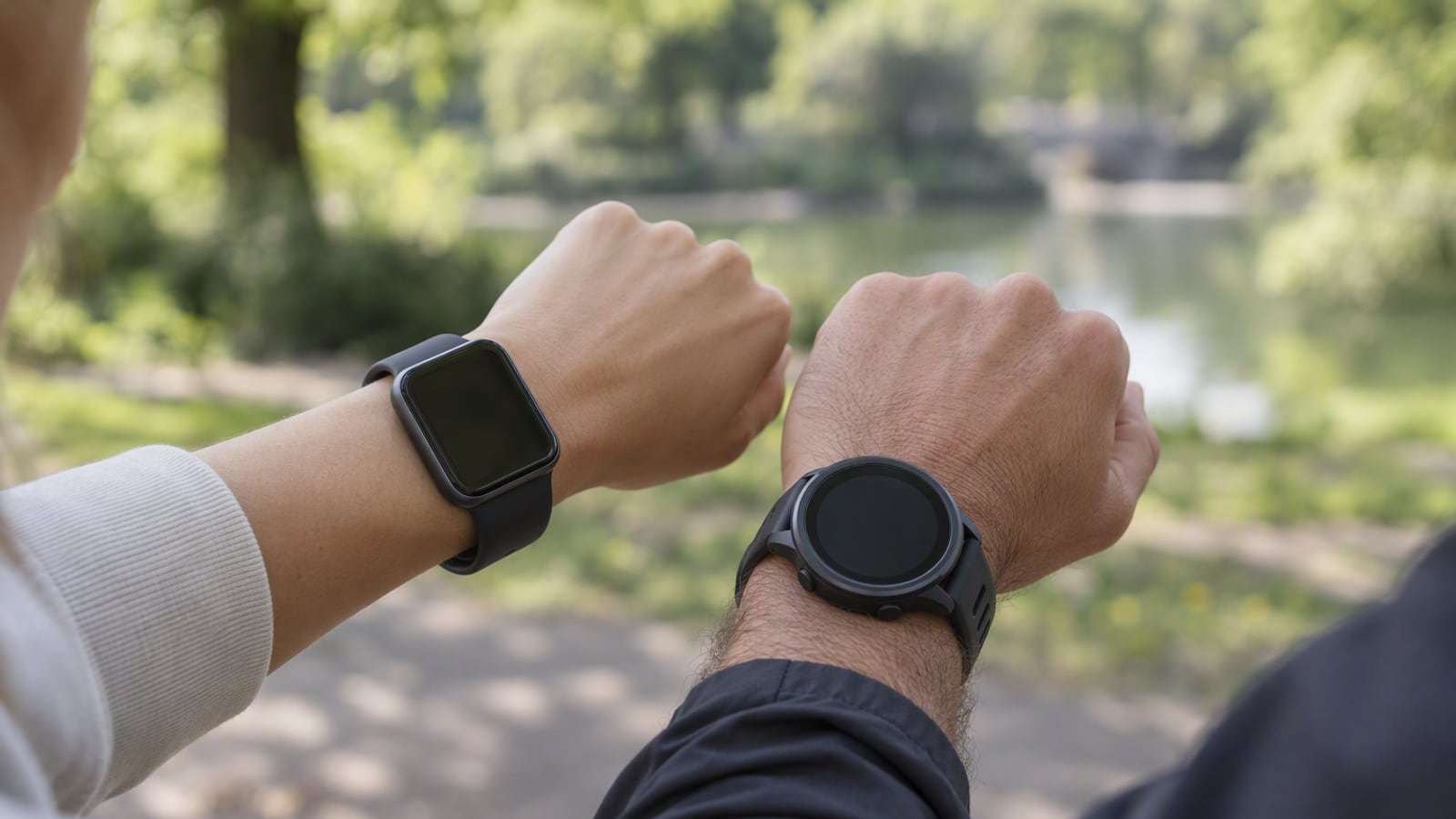
Apple Watch Series 11 vs Garmin Venu 3: smartwatch or sports watch
These two watches are not rivals so much as different answers to the same question: do you want a phone on your wrist, or a coach that lasts a fortnight?
 Wearables
Garmin Forerunner 265 review: a running watch for people who refuse to charge a watch nightly
The Forerunner 265 is built for one person in particular: a runner mid-training-block who wants the watch to keep score and then disappear for a fortnight.
 Audio
AirPods Pro 3 vs Sony WF-1000XM5: which earbuds for a genuinely loud commute
Both of these earbuds are excellent, and the choice between them is decided by the phone in your pocket long before you reach the specification table.