Reviews
Philips Hue starter kit review: the smart lighting that survives a mixed-platform household
The Hue starter kit costs more per bulb than any Wi-Fi rival, and it is the only lighting system here that survives both a platform switch and an internet outage.
The short version
The Philips Hue starter kit is the lighting system to shortlist if your household runs both an iPhone and an Android phone, or if you want lights that keep their schedules when the internet drops. Skip it if you want one cheap bulb in one lamp, because the hub and the per-bulb price only make sense once you are lighting several rooms.

Picture a shared flat on a winter evening. One housemate has an iPhone, another has an Android phone, the router is in the hallway behind a sofa, and the living room lamp is the only light anyone bothers to turn on. That is where cheap smart bulbs quietly fall apart.
The problem is not the bulbs. It is what happens when the person who set them up moves out, when someone switches from Android to iPhone, or when the internet drops and every schedule stops. Wi-Fi bulbs that depend on an app and a router handle all three badly.
The Philips Hue starter kit is the opposite approach. It ships with a hub, which means the system has a brain in the flat rather than in the cloud, and it is specified to work across Matter, HomeKit, Alexa and Google. This review is based on Philips Hue’s published specifications and the patterns that recur in owner reports. ZeroToUs has not installed a Hue system and has not handled any of the products described here.
What the Philips Hue starter kit is actually for
Strip away the marketing and the Hue starter kit is for one specific household: people who want smart lighting in more than one room, who do not want the lighting tied to one phone platform, and who value a system that keeps working when the internet does not.
That is a narrower brief than “the best smart bulbs”. Hue bulbs cost more than Wi-Fi rivals, and the kit asks you to accept a hub before you get the features you actually want. In exchange you get a system that is not owned by a single phone brand, a mesh that gets more reliable as you add bulbs, and a local brain that keeps schedules running without the cloud.
The second half of the brief is longevity. A starter kit is an entry point, and the reason to choose Hue over a cheaper alternative is that the system is built to be extended over years rather than replaced when you change phones or move flat. Hue also has the largest range of third-party accessories of any lighting system. It is not, however, a starter kit for a single lamp: if you want one bulb in one corner, most of what you are paying for is capability you will never use.
What the published specifications tell you
Philips Hue’s specification list for the starter kit is short, and each item decides whether the system fits your home.
The first is the Hue Bridge hub. The hub is why the system behaves differently from a Wi-Fi bulb: it holds the automations locally, manages the Zigbee mesh, and provides the Matter, HomeKit, Alexa and Google integrations. Almost everything people want from smart lighting depends on it being there.
The second is compatibility with Matter, HomeKit, Alexa and Google. That list is the practical answer to a mixed-platform household. An iPhone user can control the lights through HomeKit and an Android user can control the same lights through Google or the Hue app, without either phone owning the system.
The third is the Zigbee mesh. Hue bulbs talk to each other as well as to the hub, so each additional bulb extends the network. That is why a system with several bulbs tends to be more reliable than one with a single bulb at the far end of a flat.
The fourth is dimmable colour bulbs. Colour is the visible feature and a preference rather than a utility; the everyday value of Hue is warm white dimming and schedules, and colour is the part that impresses guests and then gets used occasionally.
Living with it: the scenarios that matter
A shared flat with both iPhone and Android
This is the case the system was designed around. Because the lights are not owned by a phone platform, nobody is locked out. A housemate on Android and a housemate on iPhone can both control the same lamps, and when one of them moves out, the lighting does not go with them.
An internet outage on a winter evening
The hub keeps schedules running locally when the internet drops, which is the least glamorous and most useful thing about the system. The lights still turn on when the routine says they should, even if voice control and remote access are unavailable until the connection returns. In a flat where the router is unreliable, that is the difference between smart lighting and lighting that occasionally forgets what it is.
Renting, and knowing you will move
Renters move, and smart lighting is one of the few smart-home categories that travels cleanly. Hue bulbs screw into standard fittings, so they come with you to the next flat without an electrician and without a landlord’s permission. The hub is a single small box that packs into a bag, and the mesh rebuilds itself in the new place. For anyone who expects to move within a couple of years, a system you can take with you beats bulbs tied to a router you will leave behind.
Where it falls short
The first drawback is cost, and it is structural rather than a matter of shopping around. Hue is expensive per bulb compared with Wi-Fi rivals, and the starter kit adds the cost of the hub on top. If your plan is to light a whole flat, that adds up quickly, and the cheaper per-bulb rivals are the honest comparison.
The second is the hub requirement. The features people want, including schedules, automations and Matter support, depend on the hub being present. That means an extra device to power and place, and it makes the kit a poor fit for anyone who wants a single smart bulb without another box on the shelf.
Who should buy it, and who should not
Buy it if your household mixes iPhone and Android, because the lights do not belong to either platform. Buy it if you want lighting that keeps its schedule when the internet drops, or if you rent and expect to move within a couple of years. Buy it if you are lighting several rooms.
Skip it if you want one bulb in one lamp, where a cheap Wi-Fi plug and an ordinary bulb will do the same job for far less. Skip it if you do not want a hub on a shelf. Skip it if the appeal is mainly colour, because colour is the least-used part of what you are paying for.
How it compares to the alternatives
| Philips Hue starter kit | TP-Link Tapo P110 | Amazon Echo Dot (5th gen) | |
|---|---|---|---|
| What it is | Hub-based colour lighting | Wi-Fi smart plug with energy monitoring | Compact smart speaker with a temperature sensor |
| Hub required | Yes, included | No | No, but it can act as a Matter controller |
| Best for | Mixed iPhone and Android households; renters who move | Automating a lamp or appliance and tracking its running cost | Kitchen timers, radio and voice control |
| Standout strength | Schedules keep running when the internet drops | Reports wattage, with no hub and no subscription | Built-in temperature sensor and Matter controller duty |
| Main tradeoff | Expensive per bulb; the hub is required for the best features | Depends on your router; the app is functional rather than pleasant | Sound quality collapses if you push the volume |
Hue is the only one of the three that keeps working through a platform switch and an internet outage, because it is the only one with a local hub and a mesh. That is what the price buys, and it is worth paying only if those two scenarios describe your home.
The Tapo P110 is the opposite trade. It needs no hub and no subscription, it reports wattage so you can see what an appliance really costs to run, and it is small enough not to block the second wall socket. Its weaknesses are equally clear: it depends on your router, and its app is functional rather than pleasant.
The Echo Dot is not really a lighting product at all, and that is the point of including it. It is a cheap way to add voice control and a kitchen timer, and its built-in temperature sensor is genuinely useful. Its limits are sound quality that collapses when pushed and some features tied to Amazon’s services.
Frequently asked questions
Do I need the Hue Bridge, or can I use the bulbs with Bluetooth only? The bulbs can be controlled directly, but the hub is required for the features people actually want: schedules, automations, Matter support and reliable control of several rooms at once. Buy the starter kit rather than bulbs alone if you intend to build the system out.
Do Hue lights still work if the internet goes down? The hub keeps schedules running locally when the internet drops, which is the single most useful thing about a hub-based system. Voice control and remote access depend on the internet, but the lights do not have to stop following their routine.
Will Hue bulbs work in a household with both iPhone and Android? Yes, and this is the case the system is built for. The bulbs do not belong to a phone platform, so switching phones or running both at once does not orphan your lighting. That is the main reason to pay Hue prices rather than Wi-Fi bulb prices.
Is Hue worth the price compared with cheap Wi-Fi bulbs? Only if you are lighting more than one room. Hue is expensive per bulb, and the hub requirement adds cost up front. For a single lamp, a cheaper Wi-Fi plug and a normal bulb will do the same job for a fraction of the money.
What we could not verify
ZeroToUs has not installed or used the Philips Hue starter kit, and several things that would matter to a buyer are therefore outside what we can honestly report.
We could not verify how smoothly the hub pairs with bulbs in a real flat, or how well the app explains itself to someone new to smart lighting. We could not measure the true brightness or colour accuracy of the bulbs. We could not confirm how far the Zigbee mesh reaches through the walls of your home, since that varies between a modern flat and an older building. We could not verify how reliably Matter, HomeKit, Alexa and Google behave when all four are in use at once, or how quickly the system recovers after a power cut. We could not test bulb durability over years of daily use.
The products in this article
Destinations and specification notes were last checked on 2026-10-06. Prices change constantly, so always confirm on the brand's own page before buying.
Best smart lighting that outlives one ecosystem
Philips Hue Starter Kit Philips Hue
Best for
Verified specifications
- Hue Bridge hub included
- Works with Matter, HomeKit, Alexa and Google
- Zigbee mesh
- Dimmable colour bulbs
What works
- The hub keeps schedules running locally when the internet drops
- Bulbs keep working if you switch phone platforms
- The largest third-party accessory range of any lighting system
What does not
- Expensive per bulb compared with Wi-Fi rivals
- Requires the hub for the features people actually want
Best cheap smart plug that still reports energy use
TP-Link Tapo P110 Smart Plug TP-Link
Best for
Verified specifications
- Wi-Fi, no hub required
- Energy monitoring
- Schedules and timers
- Works with Alexa and Google
What works
- No hub, no subscription, and it reports wattage
- Small enough not to block the second wall socket
- Cheap enough to buy several at once
What does not
- Wi-Fi rather than Zigbee, so it depends on your router
- The app is functional rather than pleasant
Best cheap voice control for a kitchen
Amazon Echo Dot (5th gen) Amazon
Best for
Verified specifications
- Compact speaker
- Temperature sensor
- Matter controller
- 3.5mm line out
What works
- Good enough sound for podcasts and kitchen radio
- Built-in temperature sensor is genuinely useful
- Acts as a Matter controller for other devices
What does not
- Sound quality collapses if you push the volume
- Some features are tied to Amazon services
Sources
More from Smart Home
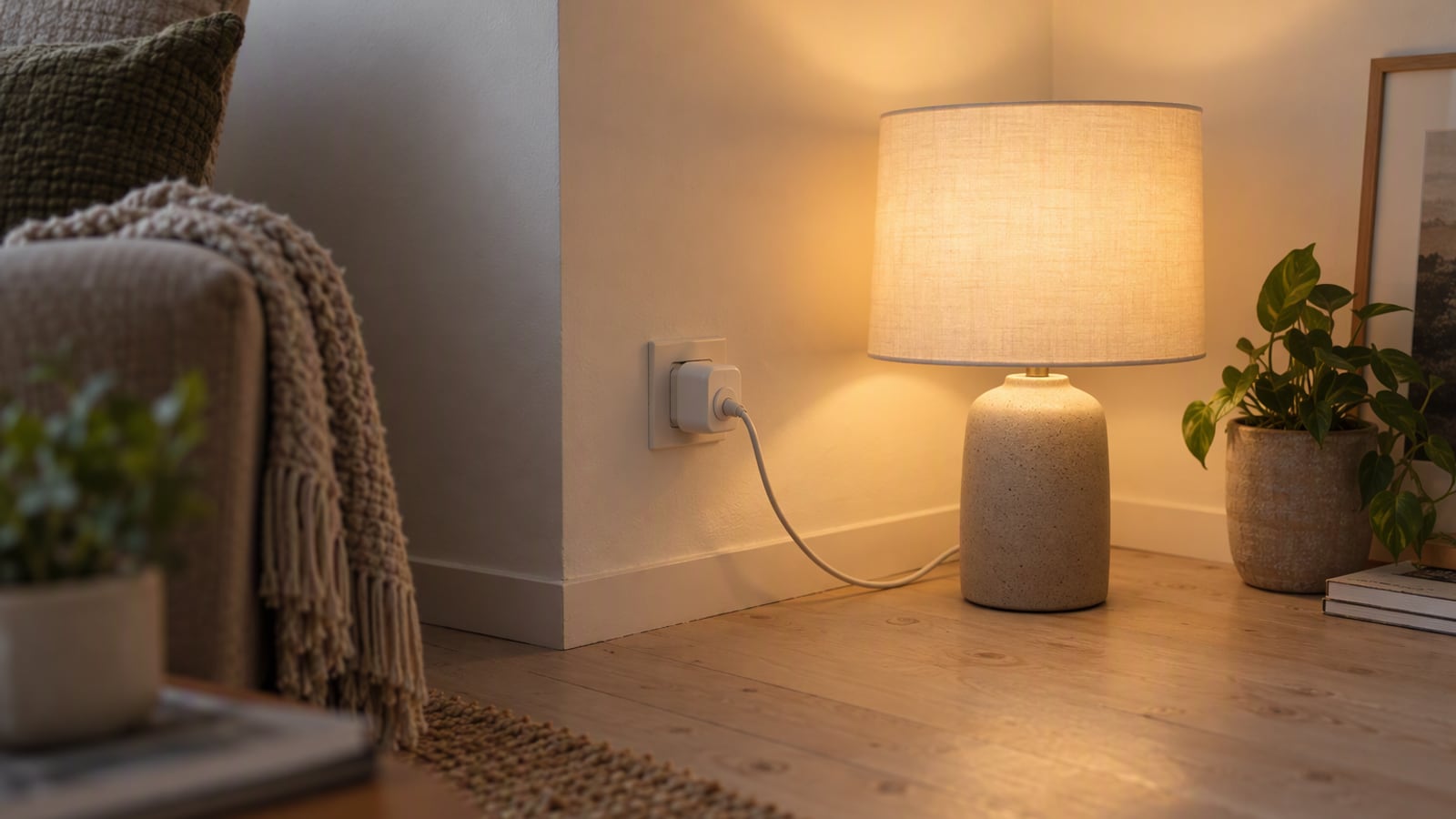 Smart Home
A smart plug setup for renters: what to automate first and what to leave alone
For a rented flat, the right smart-home order is plug first, voice second, lighting last, and anything you cannot unplug without asking permission last of all.
 Audio
AirPods Pro 3 vs Sony WF-1000XM5: which earbuds for a genuinely loud commute
Both of these earbuds are excellent, and the choice between them is decided by the phone in your pocket long before you reach the specification table.
 Wearables
Apple Watch Series 11 vs Garmin Venu 3: smartwatch or sports watch
These two watches are not rivals so much as different answers to the same question: do you want a phone on your wrist, or a coach that lasts a fortnight?