Reviews
Steam Deck OLED review: the handheld that made me stop opening my gaming laptop
The Steam Deck OLED is not the most powerful handheld you can buy, and for anyone with an existing Steam library it is still the one to buy.
The short version
The Steam Deck OLED is the handheld to shortlist if you already own games on Steam, because its library, its sleep-and-resume behaviour and its OLED screen solve the two problems that make a gaming laptop useless on a train. Skip it if you want the newest releases at full detail, if you play anti-cheat multiplayer, or if you need a device you can hold for hours without noticing the weight.
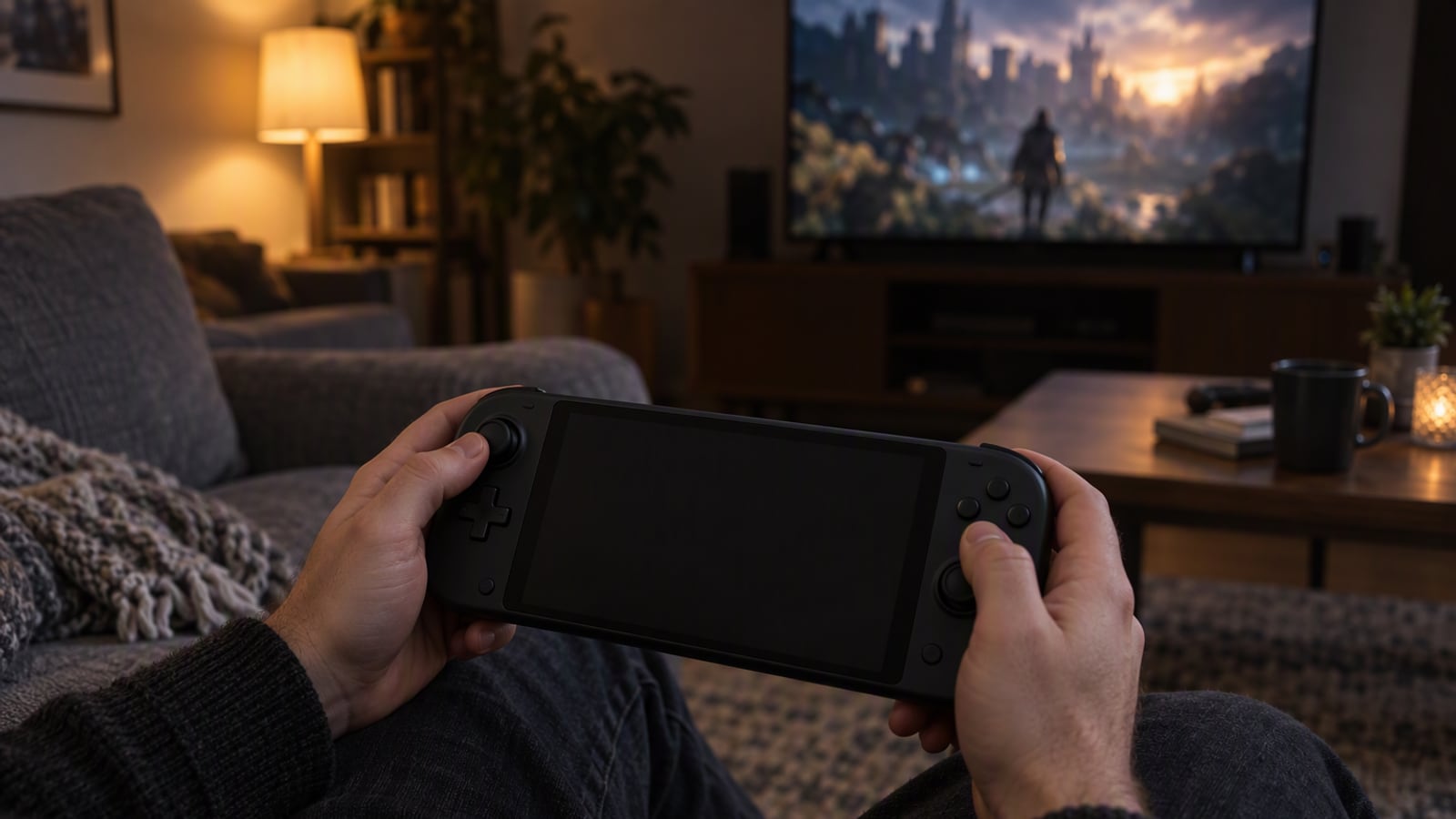
There is a moment that turns a gaming laptop into an expensive desktop. It happens on a train or a flight, when you weigh up unplugging a charger the size of a paperback, finding something flat to rest the machine on, waiting for it to wake, and then listening to a fan spin up while the battery estimate falls faster than you can read it. Most people reach for a phone instead.
The Steam Deck OLED is Valve’s answer to that moment: a handheld built around the assumption that you already own PC games and would like to play them somewhere other than a desk, in short and interrupted sessions rather than long ones. This review is based on Valve’s published specifications, the manufacturer’s documentation and the patterns that recur in owner reports. ZeroToUs has not handled a Steam Deck, has not run a benchmark and has not timed a battery.
What the Steam Deck OLED is actually for
Strip away the marketing and the Steam Deck OLED is a machine for one specific person: someone with a library of PC games already on Steam, who wants to play them away from a desk, and who accepts lower graphics settings in exchange for playing anywhere. That is a narrower brief than “the best handheld”. Valve’s specification list makes the trade explicit: a 7.4-inch OLED display, a refresh rate of up to 90Hz, SteamOS with a desktop mode, and a battery Valve claims reaches up to 12 hours on light games. Nothing there is about winning a performance contest.
The second half of the brief is the library, and it is why this machine defines a category rather than sitting in one. Because the Deck runs SteamOS and can drop into desktop mode, the games you already own are the games you can install, with no repurchasing and no storefront to rebuild. For anyone with years of Steam purchases behind them, that single fact outweighs any benchmark. It is also, deliberately, a tinkerer’s device: Valve invites you to adjust frame limits and change how a game runs, and if you would rather never open a settings menu, that openness reads as a cost rather than a feature.
What the published specifications tell you
Valve’s specification list is short, and each item decides whether the machine fits the way you play.
The first is the 7.4-inch OLED display. OLED matters most in dark scenes, where a panel that can switch individual pixels off produces black rather than grey. For a game that fills a handheld’s small screen with shadow, that is a genuine upgrade over the LCD panel that preceded it.
The second is the refresh rate of up to 90Hz. A higher refresh rate makes motion smoother, and it also hands you a tool: dropping the refresh rate and the frame limit together is the standard way owners trade smoothness for battery life.
The third is SteamOS with desktop mode. SteamOS presents a console-like interface with sleep and resume, so you can put the machine down mid-level and pick it up later the way you would a console. Desktop mode is the escape hatch that turns the Deck into a small Linux computer.
The fourth is the battery figure of up to 12 hours on light games. That is Valve’s claim, and it applies to light games; the Deck’s endurance is governed almost entirely by what you play and at what limit, so read this specification as a range rather than a number.
Living with it: the scenarios that matter
A long flight or a train journey
This is the scenario the Deck was designed for, and the one where its library advantage is loudest. You are not choosing between a handful of phone games; you are choosing from the games you already own. The catch follows every PC handheld: the biggest and newest titles need their settings lowered to hold a playable frame rate, and those are also the games that drain the battery fastest. A journey is a good place for something older or lighter, and a poor place for a showcase release at full detail.
The sofa, when someone else has the television
The second scenario is the quiet one. A shared living room, a television that another person is watching, and a handheld that does not need the big screen. Sleep and resume is what makes this work: you can stop mid-level, put the Deck down and come back without a loading screen. That console-like behaviour is the difference between a device you pick up for twenty minutes and one that ends up in a drawer.
Tinkering with settings
The third scenario is the one Valve invites without advertising. Desktop mode, adjustable frame limits and per-game settings make the Deck a machine you can tune, and owners consistently report that the first hour with a demanding game goes into finding the balance between look and battery. If that sounds like work, the Deck will feel like work. If it sounds like the point, this is the most flexible handheld of the group.
Where it falls short
Two drawbacks are structural, and neither has a clean workaround.
The first is size and weight. The Deck is large and heavy next to a phone-style handheld, the direct consequence of a 7.4-inch screen, full-size controls and a battery big enough to be useful. In a bag it is unremarkable; held up in bed for an hour, it is not a device that disappears in the hand. The second is the performance ceiling. The biggest games still need settings lowered, which is the honest trade for something that fits in a bag. Valve does not claim otherwise, and no amount of tuning changes the fact that a small, power-limited device will not run a flagship release the way a desktop will. The Deck also rewards a particular temperament: if you want to install a game and have it run at its best without touching anything, you are in the wrong category of device rather than merely the wrong model.
Who should buy it, and who should not
Buy it if you already own games on Steam and want to play them away from a desk. Buy it if your idea of a good evening is a sofa, a pair of headphones and twenty minutes of something you have been meaning to finish. Buy it if you enjoy tuning settings and accept that the newest releases will ask for compromises.
Skip it if you do not own a Steam library and have no intention of building one, because the machine’s central advantage is the library you already have. Skip it if you mainly play competitive multiplayer games protected by anti-cheat, where a Windows handheld is the safer choice. Skip it if you want the largest screen, or a device you can hold for hours without noticing its weight.
How it compares to the alternatives
| Steam Deck OLED | ASUS ROG Ally X | Lenovo Legion Go | |
|---|---|---|---|
| Best for | Existing Steam libraries and long journeys | Game Pass and Windows-only games | A bigger screen and tabletop play |
| Display | 7.4-inch OLED, up to 90Hz | 7-inch, 120Hz | 8.8-inch |
| Operating system | SteamOS with desktop mode | Windows 11 | Windows 11 |
| Controls | Integrated | Integrated | Detachable, with a kickstand |
| Standout strength | Your existing Steam library works with no repurchasing | Runs anything Windows runs, including anti-cheat multiplayer | The largest screen of any mainstream handheld |
| Main tradeoff | Large and heavy; the biggest games need settings lowered | Windows on a small screen takes patience; no trackpads | Heavy to hold for long sessions; the shortest battery life here |
The pattern is straightforward. The Steam Deck OLED wins on the software experience and the library, and it is the only machine here whose value grows with what you already own. The ROG Ally X wins on reach: it runs anything Windows runs, including the anti-cheat multiplayer games SteamOS cannot handle, and its larger battery answers the loudest complaint about the original Ally. Its cost is the operating system, because Windows on a small screen still needs patience, and no trackpads make mouse-driven games awkward. The Legion Go trades the other way, with the largest screen of the three and detachable controllers that make tabletop play practical, paid for in weight and in the shortest battery life in this group.
Frequently asked questions
Do I have to rebuy my games to play them on the Steam Deck? No, and that is the central point of the machine. The Deck runs SteamOS and can drop into a desktop mode, so the games you already own on Steam are the games you can install. Nothing has to be purchased a second time.
Can the Steam Deck OLED run the newest big releases? Valve does not claim that it can at full settings. The biggest and newest games still need their settings lowered, and those are also the titles that drain the battery fastest. For a long journey, a lighter or older game is the more realistic choice.
How long does the battery actually last? Valve claims up to 12 hours on light games, and that figure is a ceiling rather than a typical result. Battery life is governed almost entirely by what you play and at what frame limit, so treat the number as a range that moves with your settings.
Should I buy the Steam Deck OLED or a Windows handheld? Choose the Deck if you already own a Steam library and value sleep and resume. Choose a Windows handheld such as the ROG Ally X if you play Game Pass titles or anti-cheat multiplayer games, because those are the cases where SteamOS is the wrong tool.
What we could not verify
ZeroToUs has not handled the Steam Deck OLED, and several things that would matter to a buyer are therefore outside what we can honestly report.
We could not verify real battery life on any specific game, only that Valve claims up to 12 hours on light games. We could not compare the OLED panel against the LCD model side by side. We could not measure how warm the machine runs under a demanding game, how loud its fan becomes, or how comfortable the controls are over a long session. We could not confirm how reliably specific titles hold a steady frame rate after settings are lowered, because that varies by game and by SteamOS version. We could not verify the durability of the sticks and shoulder buttons over years.
The products in this article
Destinations and specification notes were last checked on 2026-10-06. Prices change constantly, so always confirm on the brand's own page before buying.
Best handheld for a PC game library
Steam Deck OLED Valve
Best for
Verified specifications
- 7.4-inch OLED display
- Up to 90Hz refresh
- SteamOS with desktop mode
- Up to 12 hours on light games
What works
- Your existing Steam library works with no repurchasing
- The OLED panel is a real upgrade for dark games
- Sleep and resume works like a console
What does not
- Large and heavy next to a phone-style handheld
- The biggest games still need settings lowered
Best handheld if you play Game Pass
ASUS ROG Ally X ASUS
Best for
Verified specifications
- 7-inch 120Hz display
- Windows 11
- 80Wh battery
- Two USB-C ports
What works
- Runs anything Windows runs, including anti-cheat multiplayer games
- The bigger battery fixes the original Ally’s main flaw
- Two USB-C ports is genuinely handy
What does not
- Windows on a small screen still needs patience
- No trackpads, so mouse-driven games are awkward
Best for buyers who want a bigger screen
Lenovo Legion Go Lenovo
Best for
Verified specifications
- 8.8-inch display
- Detachable controllers
- Windows 11
- Built-in kickstand
What works
- The largest screen of any mainstream handheld
- Detachable controllers make tabletop play practical
- Kickstand plus a mouse works for strategy games
What does not
- Heavy and bulky to hold for long sessions
- Battery life is the worst in this group
Sources
More from Gaming
 Gaming
The best budget gaming handheld: what $400-600 actually gets you
In the $400-600 band you are not choosing the fastest handheld. You are choosing which compromise you can live with.
 Audio
AirPods Pro 3 vs Sony WF-1000XM5: which earbuds for a genuinely loud commute
Both of these earbuds are excellent, and the choice between them is decided by the phone in your pocket long before you reach the specification table.
 Wearables
Apple Watch Series 11 vs Garmin Venu 3: smartwatch or sports watch
These two watches are not rivals so much as different answers to the same question: do you want a phone on your wrist, or a coach that lasts a fortnight?